Pose references, from every angle
Create custom pose references quickly and make every angle yours. Pose a 3D mannequin, light it, and export a clean PNG, all in your browser.
No account · Runs locally · 56 built-in poses
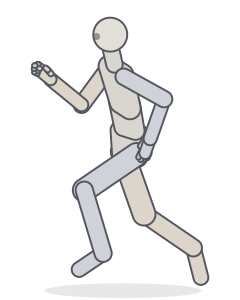
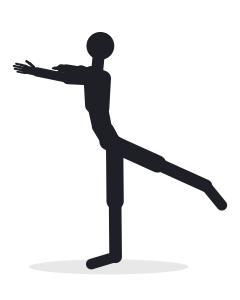
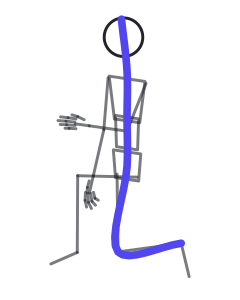
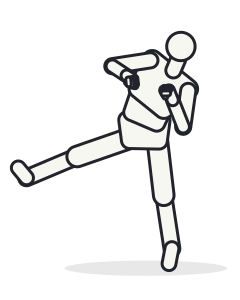
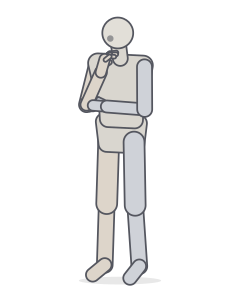
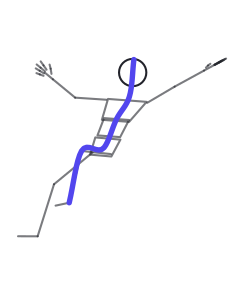
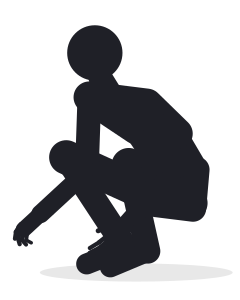
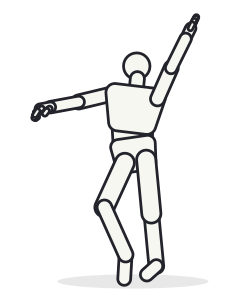
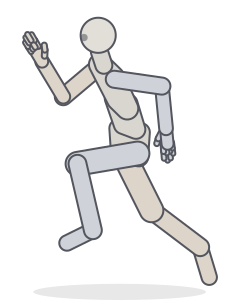
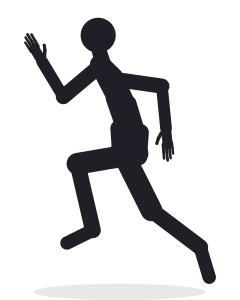
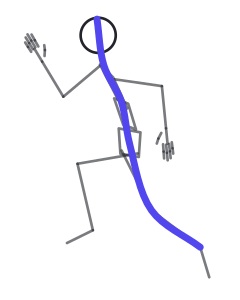
Previews rendered with Posegeni’s mannequin in its display styles: mannequin, silhouette, outline and line of action.
One pose, every camera angle
Orbit freely or jump to front, side, back, low and high presets. Switch to an orthographic camera when you need flat, measurable proportions for turnarounds.
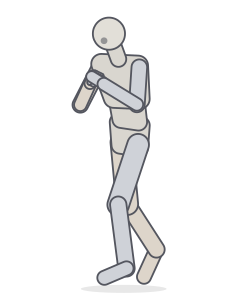
Pose shown: Right cross


Read the pose before you draw it
The same sprint, three ways. Check the volumes, test whether the silhouette reads at a glance, then find the line of action that carries the movement. Each view is a display mode in the Studio.
From blank page to reference in a minute
- 1Start from a posePick one of 56 presets, or press R for a random pose built from 19 action templates. Every random pose has a seed you can reuse.
- 2Adjust what mattersDrag hands and feet to pose limbs with IK, rotate any joint with a gizmo or exact values, shape the fingers, change the body type, add a chair or sword, or a second figure to interact with.
- 3Frame it and exportChoose the camera, lens and lighting, then export a 1024 px, 2048 px or viewport-size PNG, with a transparent background if you want one.
From pose to motion
Set two or more key poses on the timeline and Posegeni fills in the frames between them. Use onion skin to compare keys, hold poses for blocking, mirror a step to build a walk cycle, then export a contact sheet, a GIF, an MP4 or a PNG sequence.
Below: “Crouching” to “Jump, arms up”, eased, as the Studio interpolates it.
 ◆ key
◆ key frame 5
 frame 10
 frame 14
 frame 19
 ◆ key
◆ key
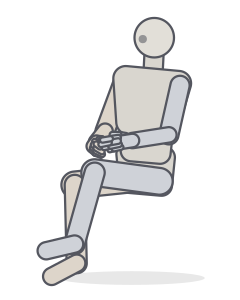
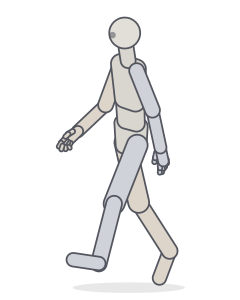
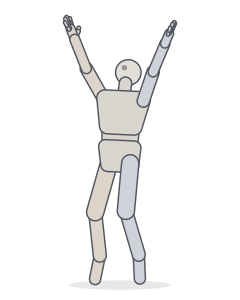
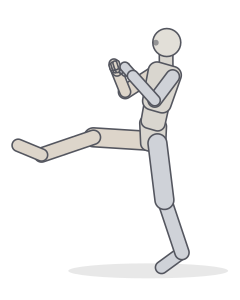
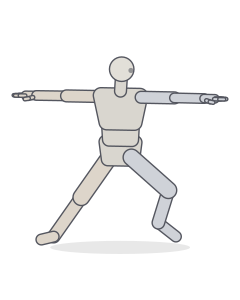
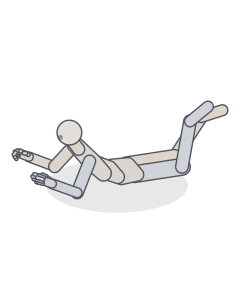
Start from the library
See all 56 poses →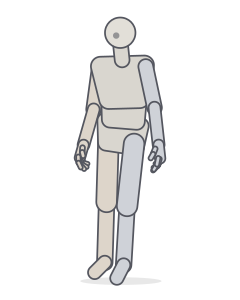
Frequently asked questions
Do I need an account?
No. Open the Studio and start posing. Poses autosave in your browser, and you can save named poses, download them as JSON, or share them as a link.
Where is my pose data stored?
On your device, in your browser’s storage (IndexedDB, or localStorage as a fallback). Share links contain the pose itself in the URL, so no server keeps a copy.
Can I use exported images in my artwork?
The PNGs show Posegeni’s procedurally generated mannequin, which is meant to be used as drawing reference. You are responsible for your own finished work. See the Terms for details.
How does Random Pose work?
It picks one of 19 action templates (walking, kicking, sitting and more), then varies it within each joint’s natural range. Energy, asymmetry, lean and balance shape the result. Every pose has a seed, so the same seed gives the same pose again.
Can I animate a pose?
Yes. Open the timeline (T), add key poses at different frames and play them back. In-betweens are interpolated with easing; you can hold keys, paste mirrored keys for walk cycles and animate the camera. Export the result as an animated GIF, an MP4 video, a PNG sequence or a contact sheet.
Can I pose more than one character?
Yes. Add up to four figures, each with its own pose, body type and position, and start from two-person presets such as a handshake, a punch and block, or a sword duel.
Does it work on a phone or tablet?
Yes. On small screens the controls move into a bottom sheet. Use one finger to orbit, pinch to zoom, two fingers to pan, and tap a joint to edit it.
What if my browser has no WebGL?
The Studio switches to 2D front, 3/4 and side previews that follow your edits. Pose editing, sharing and JSON export keep working; only the PNG export needs WebGL.
Your next reference is a few clicks away
No download and no sign-up. Open the Studio and start posing.